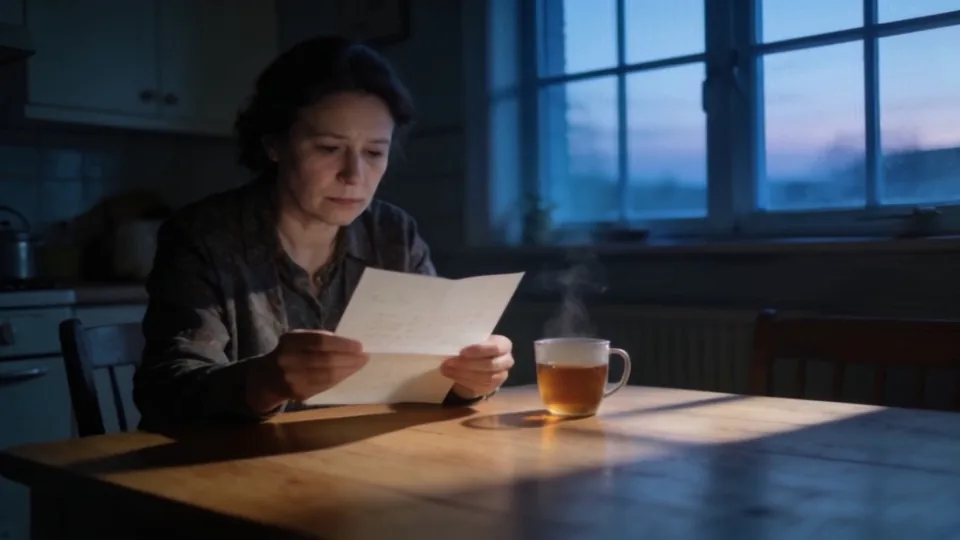
Script & breakdown
Bring a script or an idea. Each scene is mapped into cast and locations, with suggested props.
ScriptBreakdown
Bring a script or a single idea. Break it into shots, lock each character's look as the reference for every shot, then cut the scene and export it.
Invite-only beta · launch pricing: $9/month membership · pay-per-use generation · credits never expire
A film studio in your browser. You bring the story and make every creative call. The studio handles the work around it, and keeps a record of every step.
Every project moves through the same stages. Each stage hands its work to the next, so nothing gets lost between steps.
Bring a script or an idea. Each scene is mapped into cast and locations, with suggested props.
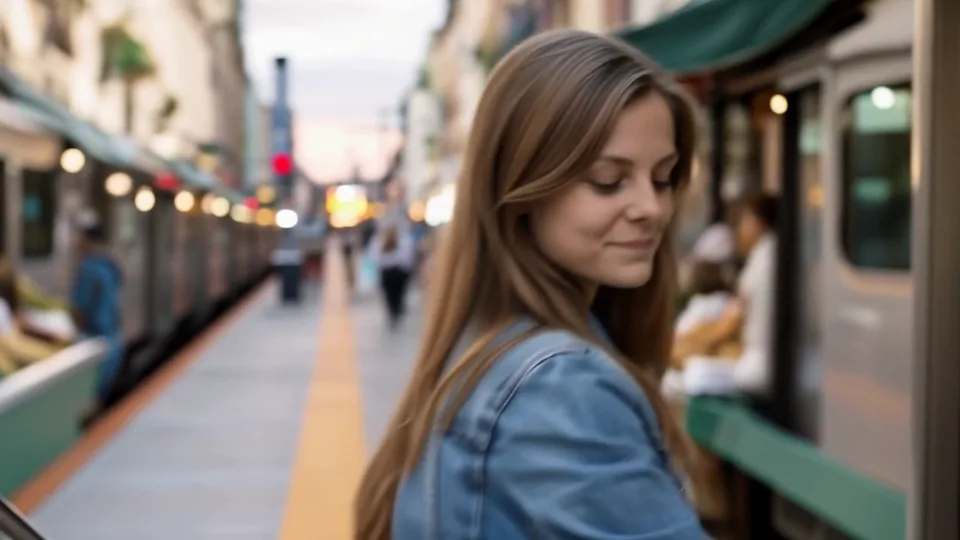
Lock a character's or a place's look once. Its approved photos go with every shot, up to what the chosen model accepts.
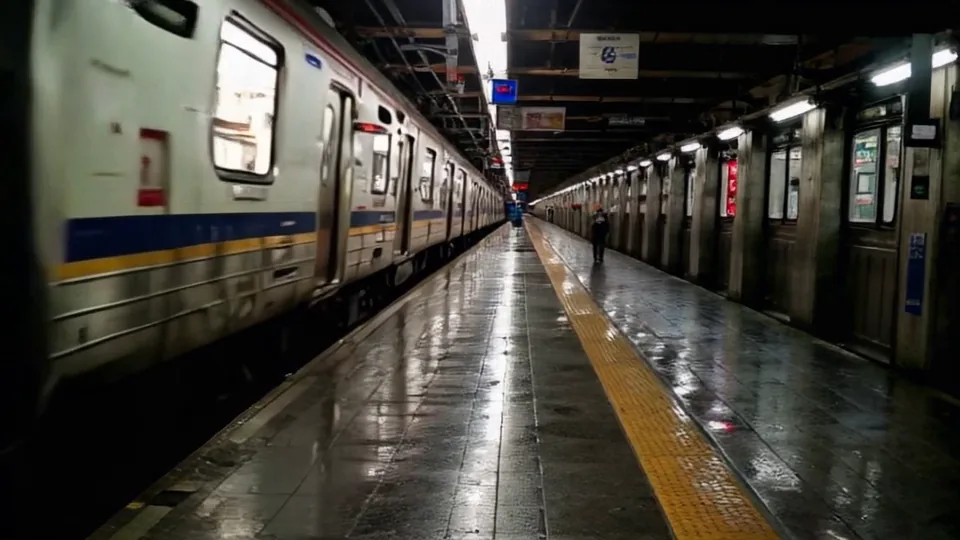
Decide how each moment is framed. See the whole scene, shot by shot, with status on each.
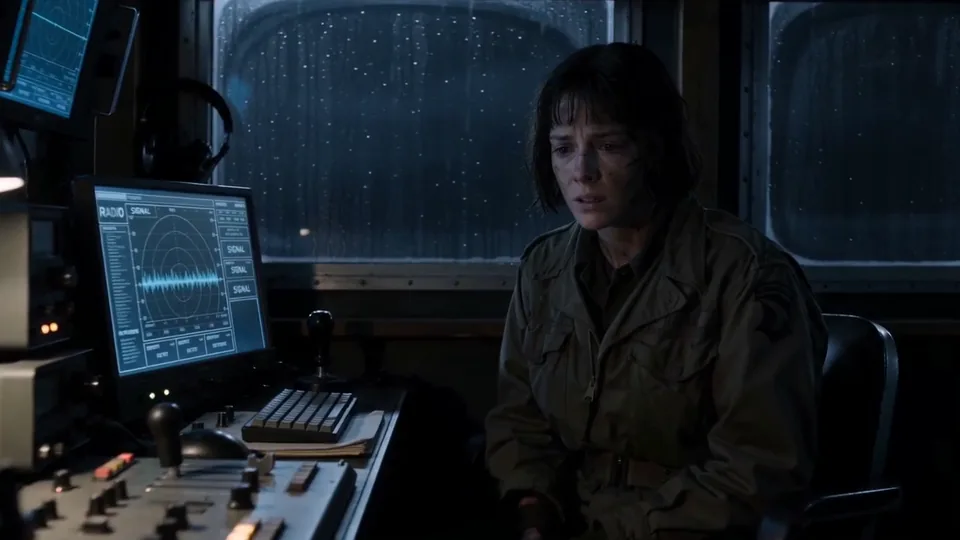
Make each shot on hosted models. You see the exact price and confirm before anything runs. Keep the good takes, redo the rest.
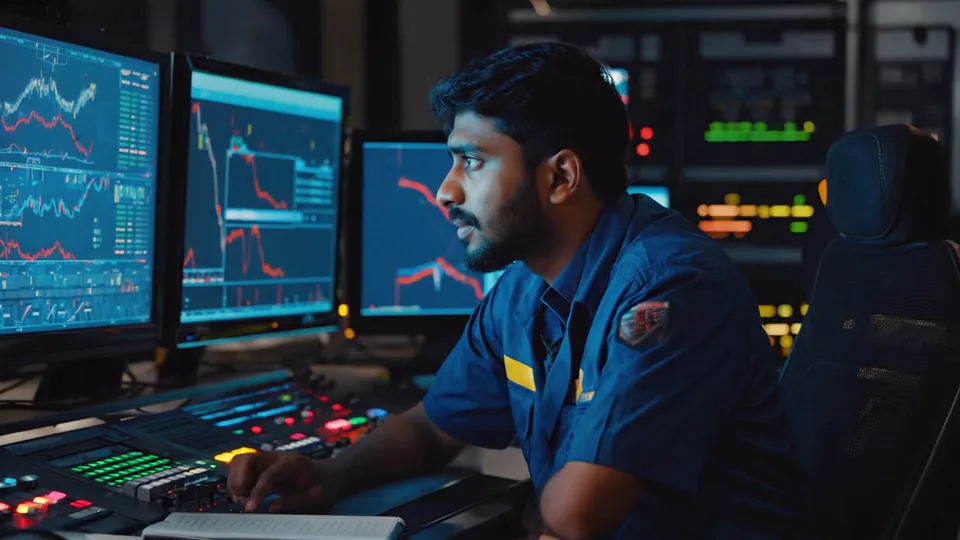
Cut the scene, add voice, music and sound. Export MP4, EDL, FCPXML or OTIO.
All stages: Script · Breakdown · Cast · Blocking · Shot board · Generation · Dailies · Edit · Sound · Export. Location and audio departments work alongside.
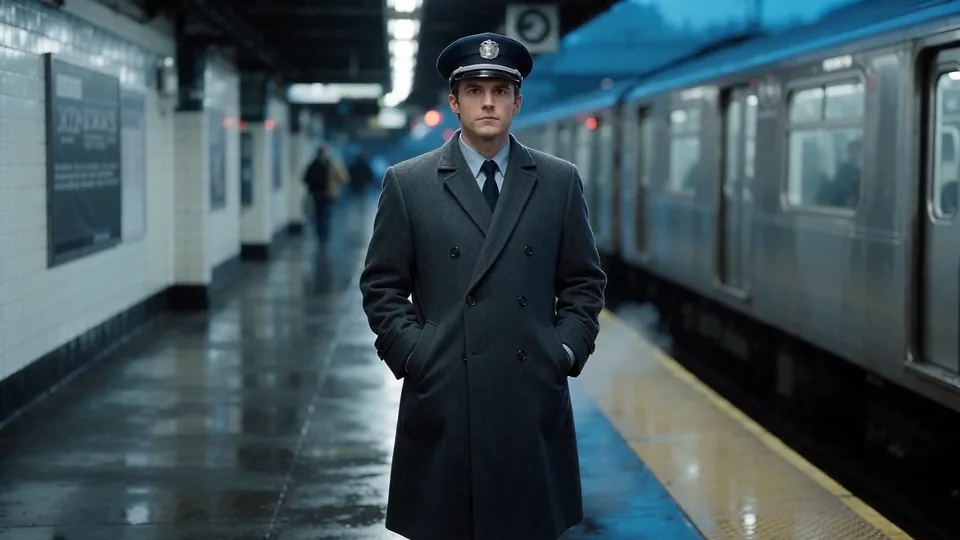
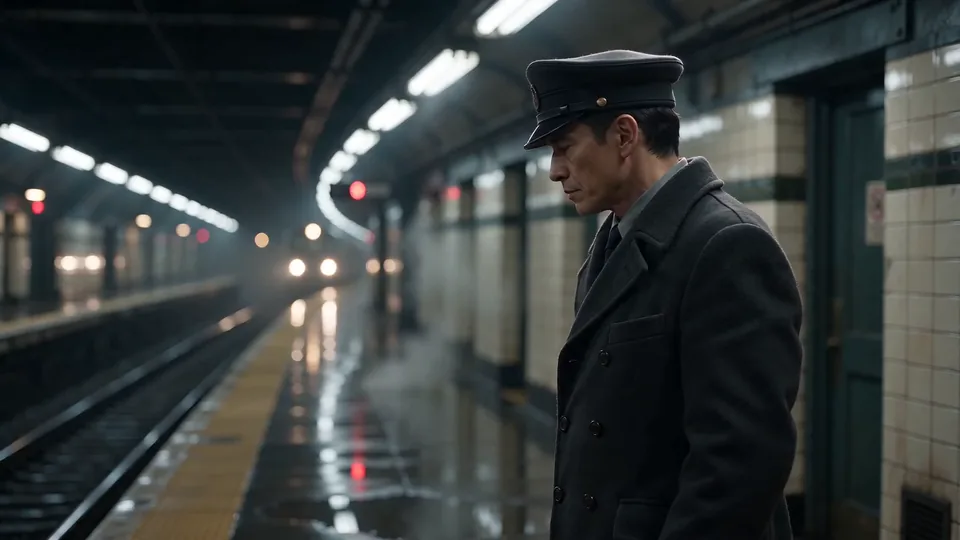
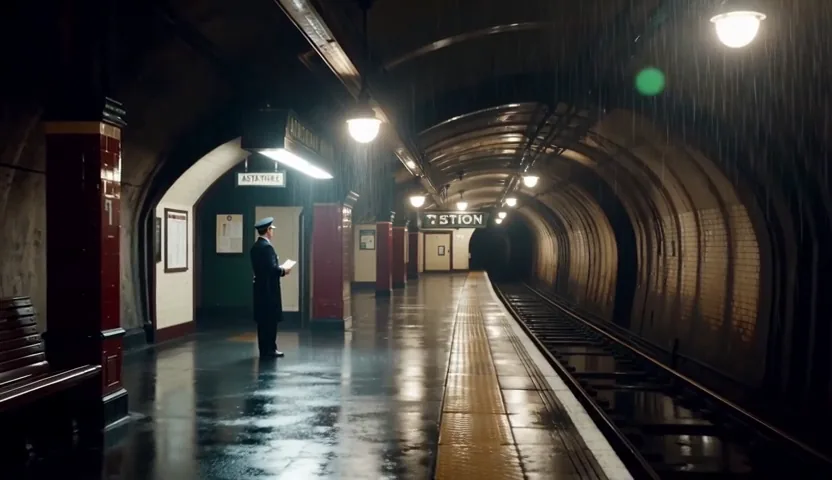
Short takes generated in BReCinema.

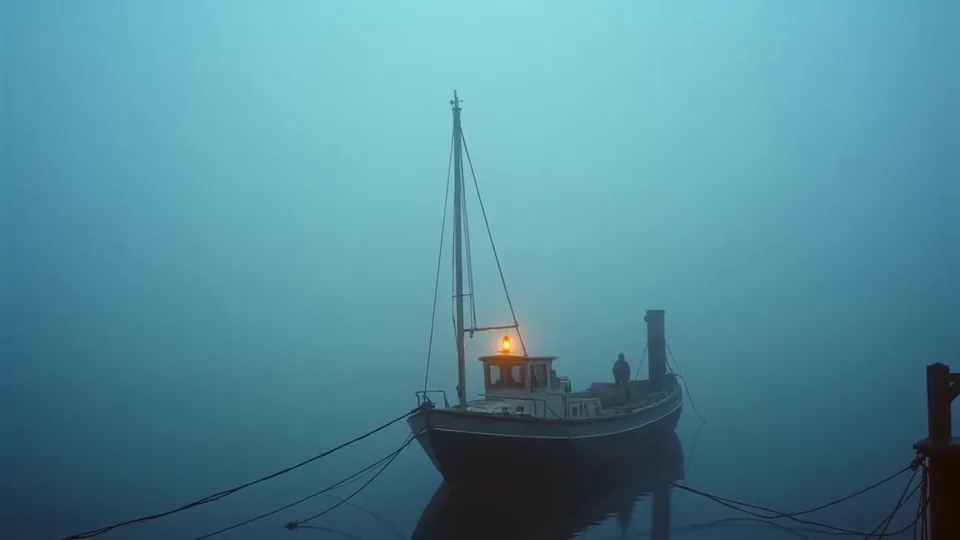
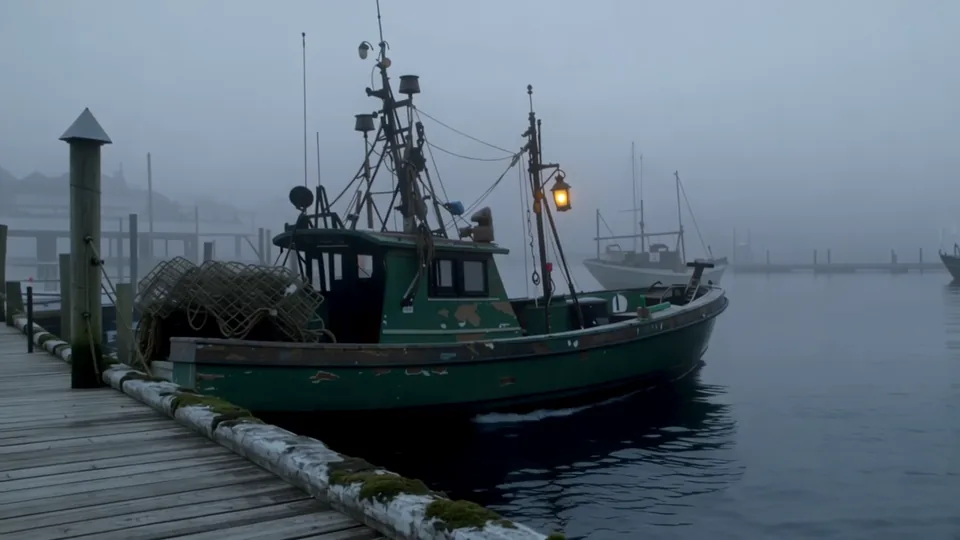
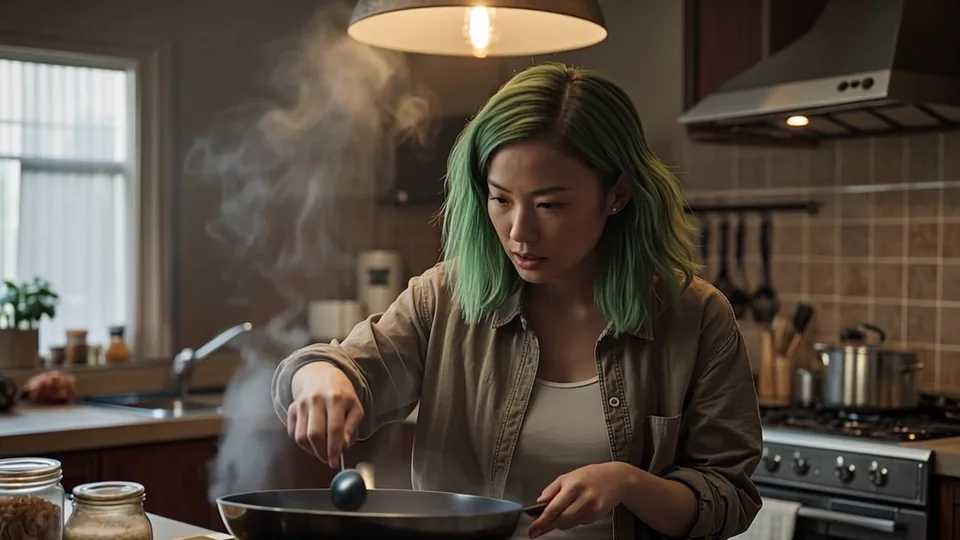

A standalone prompt box starts from zero every time. That is why shot two rarely matches shot one.
BReCinema stores the scene: cast references, wardrobe, location, light and lens. Each new shot is generated with those references attached (as many as the chosen model accepts), and you review every take before it reaches the edit.
Common ways to start a project. Each one runs through the same pipeline. For directors, writers, producers and teams preparing pitch reels.
BReCinema is the production layer around the models. Scene references and shot details go with each generation job. The models available to you are listed inside the studio.
Describe the shot. The scene's references are attached.
Start from an approved frame and bring it to motion.
Voice lines, music and sound effects for every scene, on one page.
Frames, boards and stills for every shot.
Locked references for faces and places, reused across shots.
MP4 to share. EDL, FCPXML and OTIO to continue in your editor.
The traditional route means waiting, pitching strangers and giving up the final cut. There is a simpler path now, and you keep the controls.
Membership gives you the platform: the full workflow, every department and saved projects. Generation is separate and paid per use from a credit wallet. Purchased credits never expire. Payment opens at launch; joining the waitlist is free.
Your seat in BReCinema Studio at launch.
Generation is pay-per-use from a credit wallet, separate from membership. Credits never expire and are spent only when you generate. Joining the waitlist is free.
No. BReCinema is built for first films and for working directors who want to move faster. You bring the idea, the story and the point of view. The studio breaks your script into shots, attaches your locked references to each one and helps assemble the cut. Every creative call stays yours.
Yes. We take no revenue share and claim no royalty or percentage. You direct it, you release it, you keep it. Rights for AI-assisted work vary by country. Our final Terms, published before launch, will set out ownership in plain words. As our Privacy notice explains, generated outputs that contain no personal data may be kept, anonymised, in a training pool; your uploads and anything made from a real person's face or voice never are. Keeping those outputs is part of the service, and you can remove your past contributions in Settings.
That is most of who we build for. The pipeline takes you from a blank page to a finished scene you can share: post it, send it or submit it. You follow the same steps a real production does, with guidance at each one.
Each shot is generated with the scene's locked references, and you review every take. Keep what works and regenerate what doesn't. Results depend on the model and the references you give it.
No surprises. Membership is $9/month to use the platform. Generation is separate and pay-per-use from a credit wallet. Purchased credits never expire. You only spend credits when you run image, video or shot generation jobs.
It depends on the scene, the models you use and how many takes you review. Rough it out first, then come back to refine shots and recut. Your projects stay saved. Media files stay in your library for 30 days, so download what you keep.
No. BReCinema runs in your browser. Nothing to download, install or configure. No render rigs, no plugins. If you can describe your scene, you can use it.
Each stage of the pipeline has guidance in the studio, so you always know what comes next.
I'll be straight with you. You want to make a film. Maybe there's a script on an old hard drive, three scenes in a notes app, or an idea that shows up in traffic and at 2 a.m. That idea is there for a reason.
Here are the objections I hear most, answered plainly.
"I don't have time."
Start small, with a single scene. You don't need a free year. You need a place to begin that doesn't fight you.
"I'm not a real filmmaker."
That label was a gate someone else built. Directing is making choices, and you make them the whole way through. The title isn't the requirement. The idea is.
"I need a studio."
For most new voices, the studio path means waiting, pitching and hearing no. BReCinema gives you the tools instead of the gatekeepers. You keep the final cut, and we take no share of your work.
"I'm not technical."
If you can describe your scene, you can use this. It runs in your browser. Nothing to install, nothing to wire up.
"What if it isn't good?"
Then you review it, regenerate it and cut it again. That is directing. Every film you admire had a rough first pass.
"What's the catch with the $9 membership?"
The membership is your seat: $9/month to use BReCinema Studio. Generation is separate because rendering costs are real. You add credits and spend them only when you generate. Credits never expire. No production deal, no permission gate.
Finishing the thing changes how you see yourself. You already have the idea, and the tools are finally in reach. The honest question isn't whether you can. It's whether you'll start.
P.S. If you're still reading, you probably have enough information. What you're looking for is a reason to begin. Consider this it.
Reserve your spot. We'll email you the moment membership opens.